
-
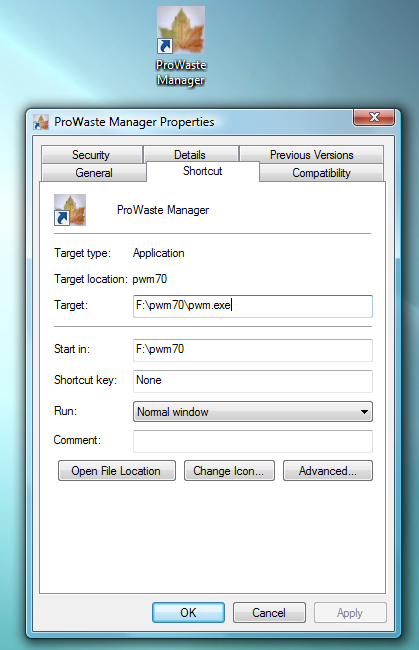
Create a desktop shortcut
Create a shortcut on your desktop as illustrated below.
-
Sign in
Double-click the ProWaste Manager icon to start the program. The ProWaste sign-in screen appears; enter your assigned user name and password.

-
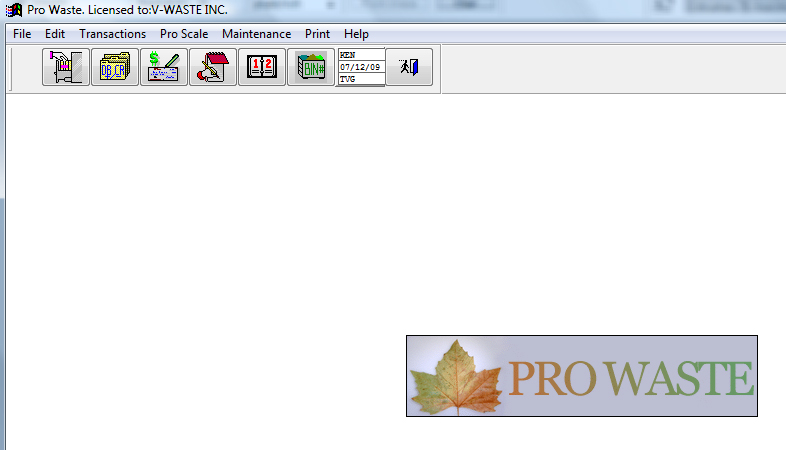
The ProWaste desktop
Once logged in you will see the main ProWaste desktop.
-
The ProWaste toolbar
Access the main components of the ProWaste program from the ProWaste toolbar.

Documentation
Start and login
ProWaste is installed on a network with a mapped drive.